Cutout and upscale
Upload a photo and tap Remove background. PostKit separates your product, person or pet from everything behind it, with clean edges around hair, straps and shoe laces, and gives you a transparent PNG.
Then drop it on a new color, put it in a template, or upscale it up to 4x so it stays sharp on a banner or a printed flyer.
Free credits to start · No card · No subscription
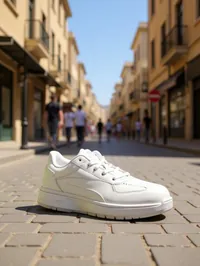 Before
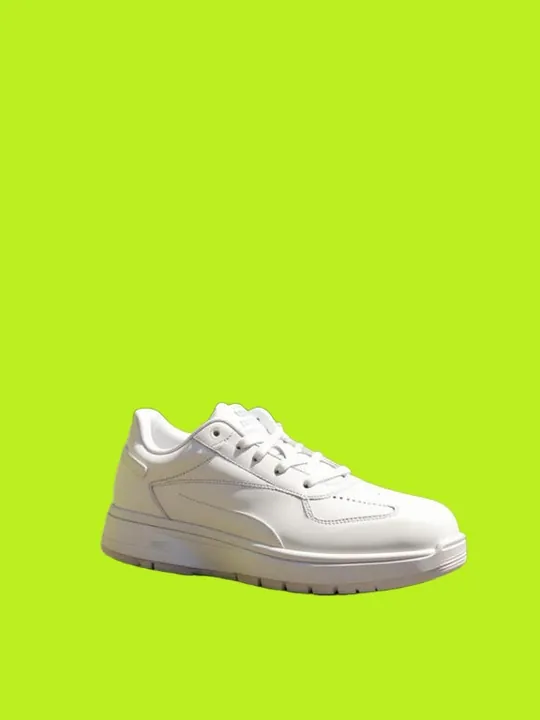 After · PostKit
Products, people, pets, food: anything with a clear subject.
The cutout is ready in a few seconds as a transparent PNG.
Place it on a new background, in a template, or upscale it for print.
Hair, straps and fine details are kept.
Ready for Canva, Photoshop, websites and catalogs.
Enlarge small photos for banners and print (3 credits).
No subscription.
A PNG with a transparent background.
2 credits per cutout. Upscaling is 3 credits.
Yes, as well as products and food.
Yes. Use the Clean white background template for a catalog-ready white with natural shadows.
Remove the background in one tap
Remove a background →